
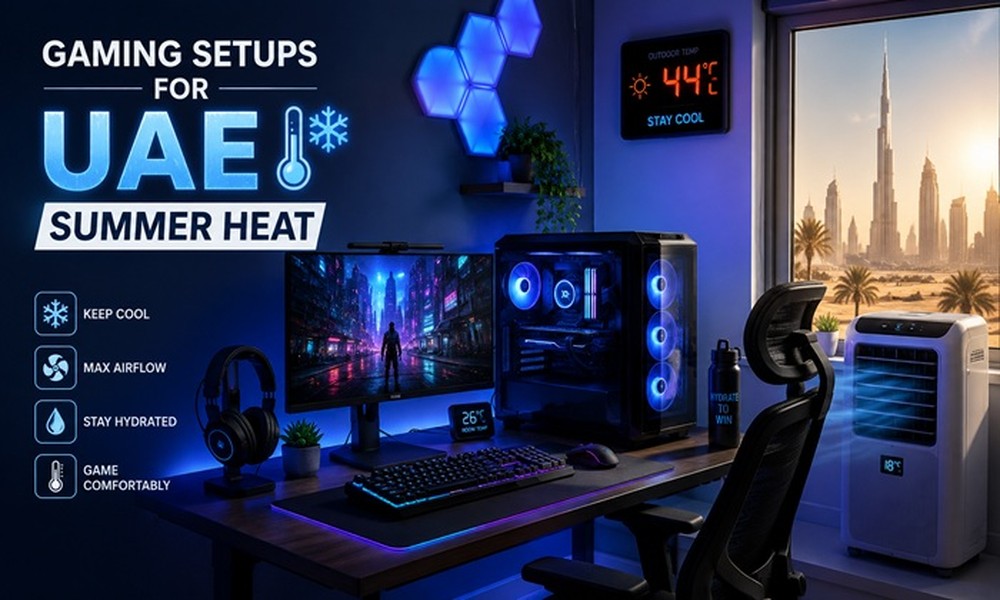
Gaming in the UAE during summer is a unique challenge. When outdoor temperatures regularly hit 45°C and your AC is working overtime, your gaming setup faces real thermal stress. Components overheat, controllers get sticky, and frame rates drop at the worst possible moments. Building a gaming setup for UAE summer heat isn’t just about performance – it’s about keeping your gear alive through the season.
Why UAE Summer Heat Is a Serious Problem for Gaming Setups
Consumer electronics are typically designed to operate in ambient temperatures up to 35°C. In a UAE apartment without optimal AC placement, room temperatures can routinely exceed that. CPUs thermal throttle, SSDs degrade faster, and controllers develop stick drift earlier than they should.
Essential Components for a Heat-Resistant Gaming Setup
1. Desktop PC with Positive Pressure Airflow
A well-configured desktop beats a gaming laptop in UAE summers purely because of airflow control. Set your case fans to push more air in than out (positive pressure) to prevent hot air from being sucked back in through unsealed gaps. Cases like the Fractal Design Meshify offer excellent airflow and are available through UAE electronics retailers.
2. Aftermarket CPU Cooler
Stock coolers are inadequate for sustained gaming in high ambient temps. A 240mm AIO liquid cooler (Corsair H100i, DeepCool Castle 240) keeps processor temps manageable even when the room is warm. This is arguably the single most impactful upgrade for UAE gamers.
3. USB-Powered Desk Fan Pointed at Your Setup
Simple but genuinely effective. A small Dyson or Xiaomi desk fan directing airflow across your keyboard, mouse, and controller adds meaningful comfort during long sessions and helps your peripherals last longer.
4. Thermal Paste Replacement for Laptops
If you game on a laptop, replacing the factory thermal paste with something like Thermal Grizzly Kryonaut can drop temperatures by 10-15°C. Many UAE laptop users report significant performance improvements after this $10 fix.
5. Smart Power Strip with Surge Protection
UAE summer means heavy AC load and occasional power fluctuations. A quality surge protector (APC or Belkin) protects your entire setup from voltage spikes that can permanently damage hardware.
UAE Gaming Setup: Cooling Solutions Compared
| Solution | Cooling Impact | Cost (AED) | Difficulty |
| AIO Liquid Cooler | High | 300-600 | Medium |
| Case Airflow Optimization | High | 50-200 | Low |
| Desk Fan | Moderate | 80-300 | None |
| Thermal Paste Replacement | Medium-High | 30-80 | Medium |
| Surge Protector | Protective | 60-150 | None |
Pro Tips for UAE Gamers
- Game during evening hours if possible – temperatures drop significantly after 8 PM, reducing cooling demand on your hardware.
- Don’t block your router’s ventilation. UAE summer heat causes routers to overheat and throttle speeds, causing lag that feels like a hardware issue.
- Store controllers in a cool drawer when not in use. Constant heat exposure accelerates battery degradation and stick drift.
Common Mistakes to Avoid
- Running a gaming PC under a desk or inside a cabinet – hot air has nowhere to escape.
- Ignoring dust buildup. UAE dust accumulates faster than in most climates and drastically reduces cooling efficiency. Clean every 2-3 months.
- Using a gaming laptop on a soft surface like a bed – it blocks bottom vents and causes immediate thermal throttling.
FAQs
What is the ideal room temperature for gaming in UAE?
Aim for 22-25°C. At this range, even mid-range hardware can sustain full performance indefinitely. Above 30°C, even high-end components will begin to throttle.
Do gaming chairs affect heat during UAE summers?
Yes. Traditional foam gaming chairs trap body heat. Consider a mesh-back office chair or add a portable fan behind your seat for ventilation during long sessions.
Should I invest in a gaming laptop or desktop for UAE summers?
Desktop setups are easier to keep cool and upgrade. If portability isn’t needed, a desktop is the smarter long-term investment for UAE climates.
Keeping your gaming setup running well through a UAE summer requires proactive cooling decisions, not reactive ones. Invest in airflow, protect against power issues, and clean your hardware regularly – your frame rates will thank you.

Comments are closed.